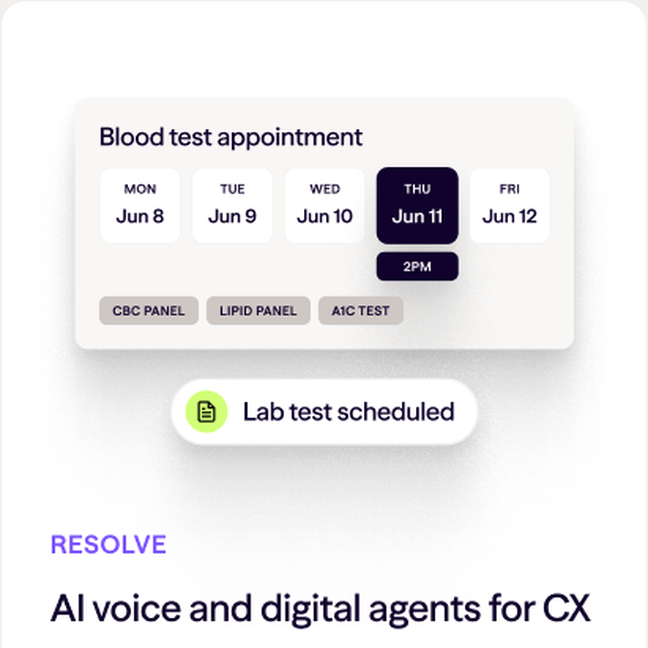
Simplified UI
For use when speaking to high-level product and platform benefits.
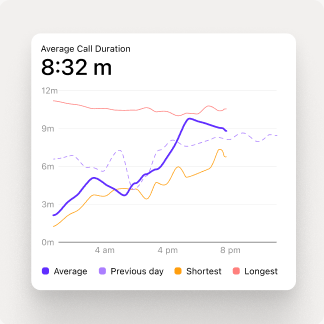
Focused UI
For use when communicating specific product benefits.
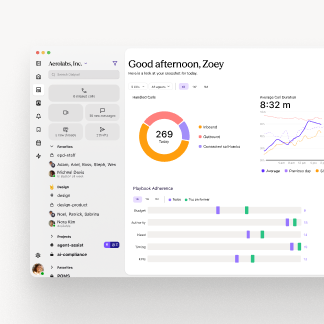
Literal UI
For use when showing the product as a complete interface in context.
Choosing a mode
Use the least literal UI that still supports the message:
- Simplified first. This is the default for heroes, value propositions, benefits, and top-of-funnel content.
- Focused second. Use it when the content demonstrates a single product capability that simplified UI would obscure.
- Literal last. Reserve it for bottom-funnel content, comparisons, product tours, and detailed walkthroughs.
Never recreate product UI. Use approved assets from the Brand UI Library, and flag a gap if no approved asset fits.
Staging UI
- Stage floating UI on a halftone tile, not a gradient.
- Arrange the context UI panel and its status pill as a centered stack, about 12px apart.
- Status pills have an 8px radius, never a capsule. Floating UI gets the
brand-uidrop shadow.
Product Storytelling documentation last updated Tuesday, October 20, 2026