Halftone
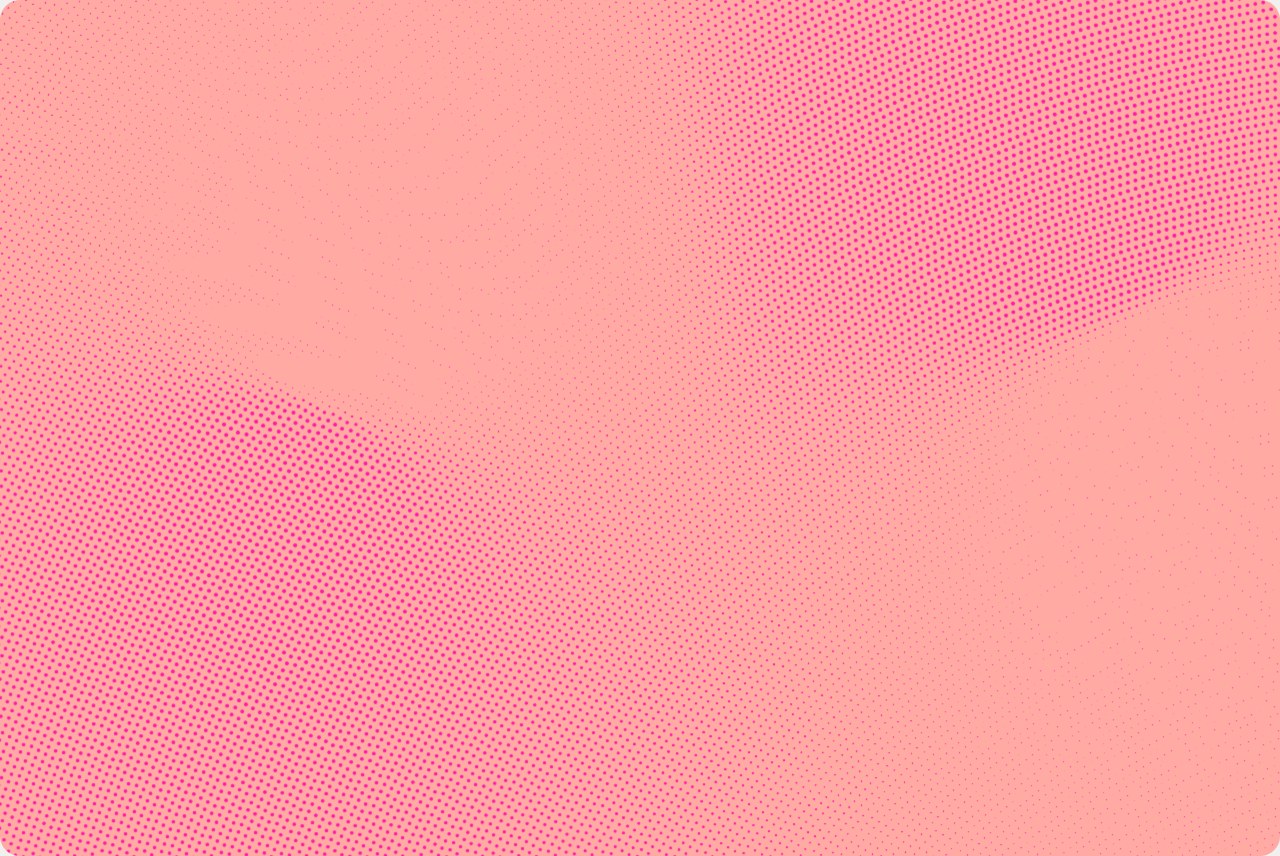
The Resolve halftone is Dialpad's brand texture, a halftone swirl over an animated gradient map. It replaces the gradient as the brand's color and texture expression.
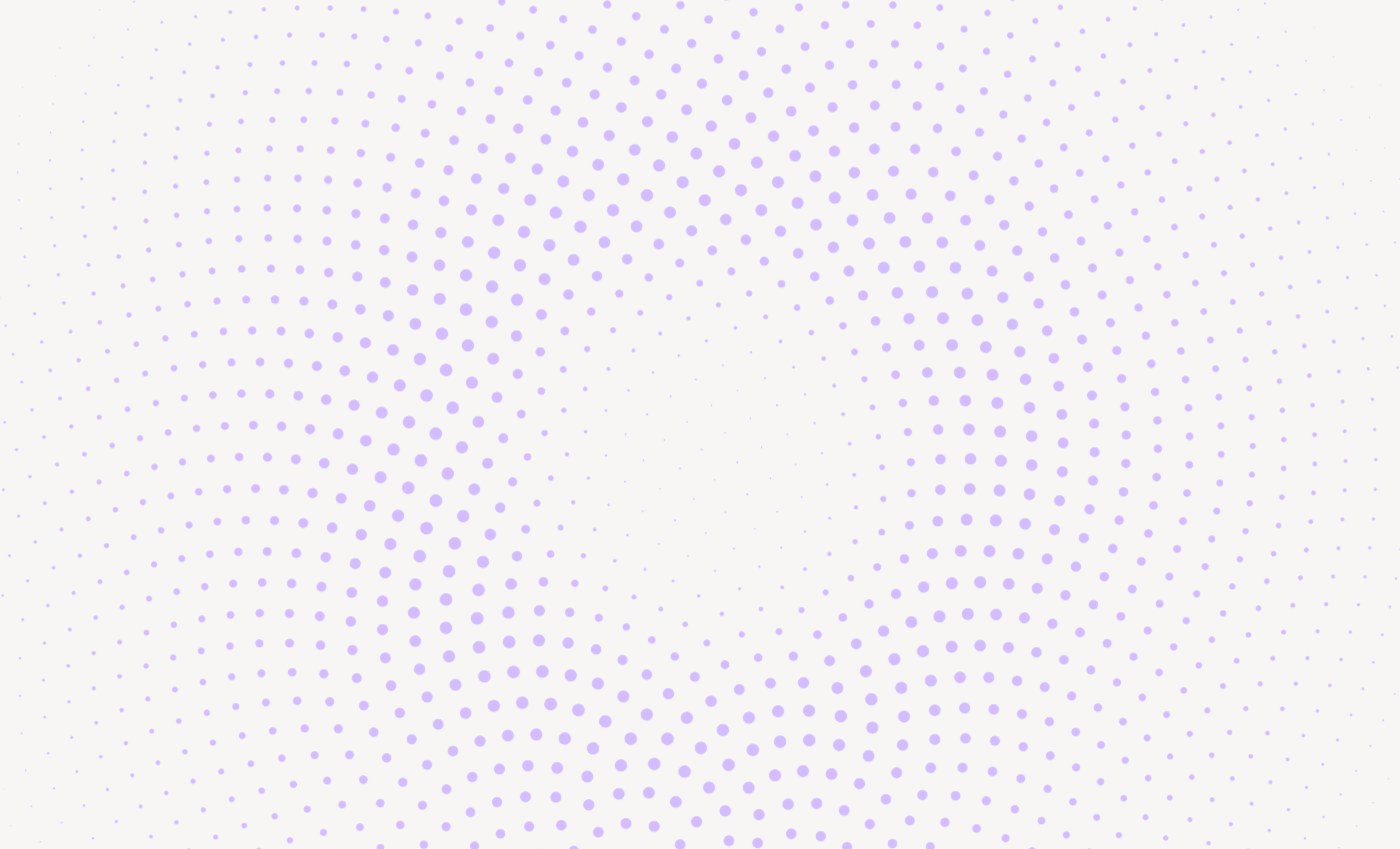
What it is
The halftone always has two layers:
- A greyscale map: a 4-pole mesh swirl, a radial field, a radial burst, or the luminance of a photo or video. The map is never shown.
- The Dialpad Resolve Halftone effect: a fixed golden-angle dot lattice that sizes each dot from the map beneath it.
The dots never move. They grow and shrink as the map changes, so the field reads as a slow swirl rather than drifting particles. All color comes from an approved ground and dot pairing.
Always use the brand effect exactly as authored in Figma. Never substitute a stock halftone, a circle halftone, or a dot screen.
Where to use it
- Hero and banner media: an animated field in a rounded frame.
- Backdrop for product UI: a halftone tile behind floating UI, status pills, and screenshots.
- Candid customer imagery: the halftone carries real customer photos and video.
- AI-active moments: the animated halftone replaces the motion gradient.

Rules
- Never set text on the dots. Headlines and body copy sit on the plain Light Tan page beside the frame, or in a white container on top of it.
- Contain it in a rounded frame: 20px for hero frames, banners, and panels, and 16px for card tiles. It's never a page or section background.
- Animate it when possible, using a 10-second loop. Small tiles repeated in a grid can be static. Pause it off-screen, and show a still frame under
prefers-reduced-motion. - Use one ground and one dot color per field, from the approved pairings. Never use gradient-filled dots or mix two pairings in one field.
- Keep it fine and subtle. Dots stay small relative to the frame. Don't enlarge them into a polka-dot pattern.
- Render it from code. Never approximate it with hand-placed dots, a CSS pattern, or an image generator. When a static file is required, export it from the code render.
Approved pairings
Primary pairings carry top-level communications: homepage, platform, launch heroes, campaign covers, and title slides. Secondary and tertiary pairings add variety across sets of cards, banners, and campaign creative.
| Tier | Ground | Dots |
|---|---|---|
| Primary | Light Tan #F8F7F6 | Dark Tan #CEC8C4, Ultra Light Purple #D3BCFF, Light Purple #A38FF9, or White #FFFFFF |
| Primary | Tan #F2F0EE | White #FFFFFF |
| Primary | Dark Tan #CEC8C4 | White #FFFFFF |
| Primary | Ultra Light Purple #D3BCFF | Purple #7C52FF |
| Primary | Purple #7C52FF | Ultra Light Purple #D3BCFF |
| Primary (contained only) | Deep Blue #10022C | Purple #7C52FF |
| Secondary | Ultra Light Purple #D3BCFF | Halftone Coral #FF716F |
| Secondary | Coral #FFABA4 | Purple #7C52FF |
| Secondary | Pink #FFB1CF | Purple #7C52FF |
| Tertiary | Coral #FFABA4 | Magenta #FF1BA4 |
| Tertiary | Pink #FFB1CF | Bright Red #FF1356 or Magenta #FF1BA4 |
| Tertiary | Yellow #FFE89C | Gold #FF9E0E |
Hero frames can also run the animated Resolve dot cycle, which moves the dots through Ultra Light Purple, Pink, and Coral over 10 seconds.
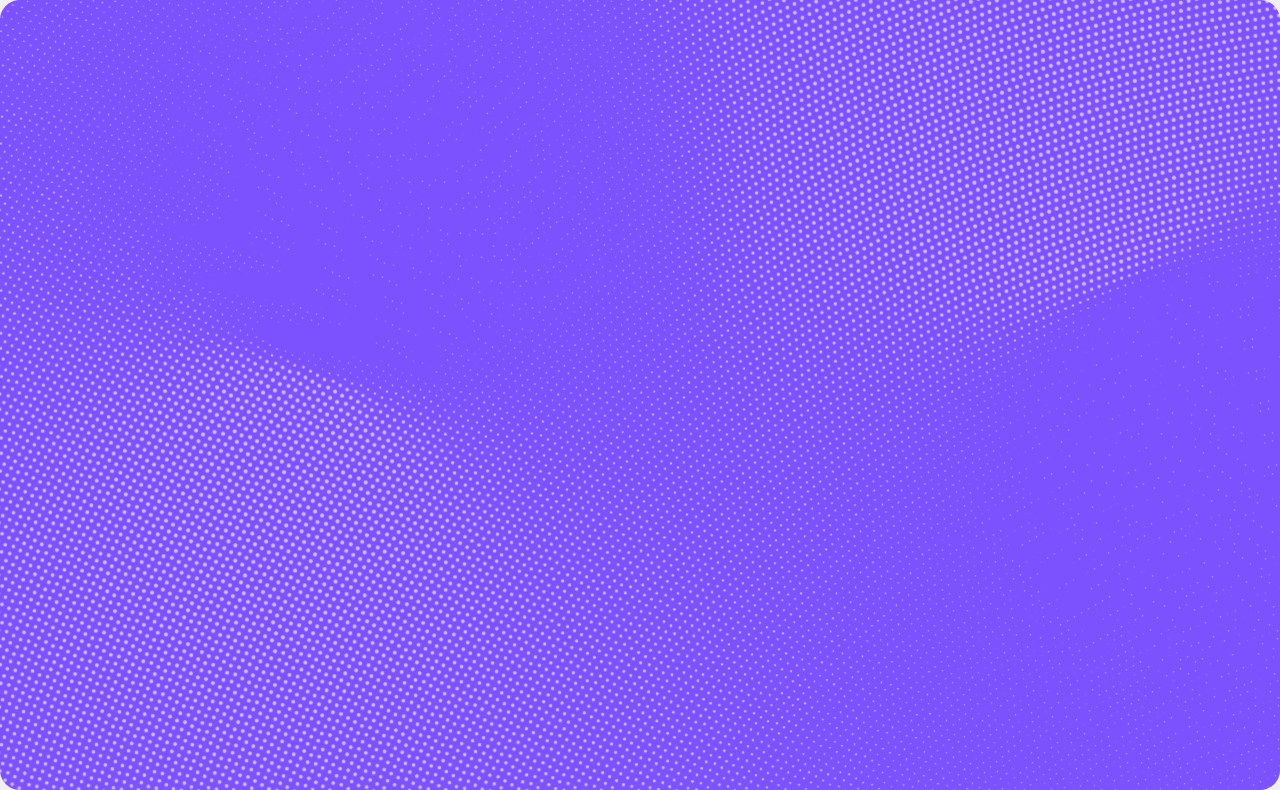
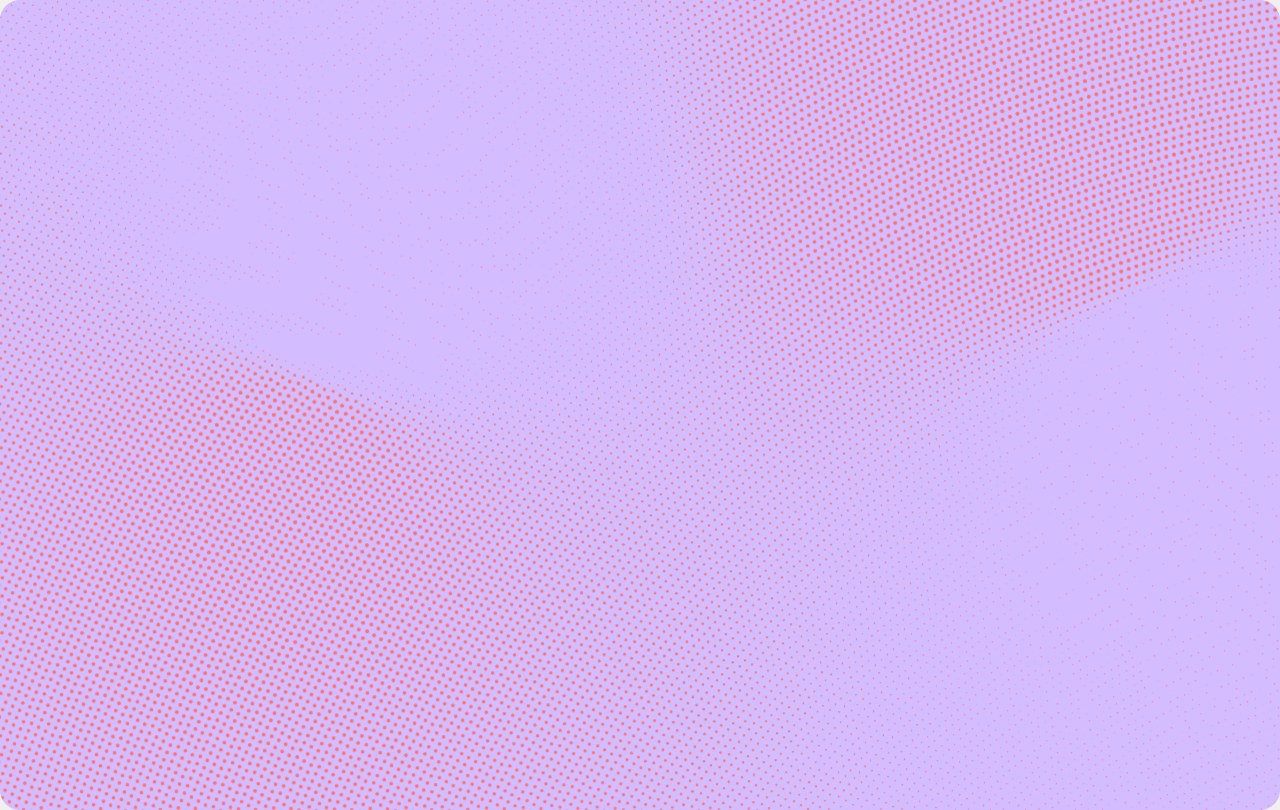
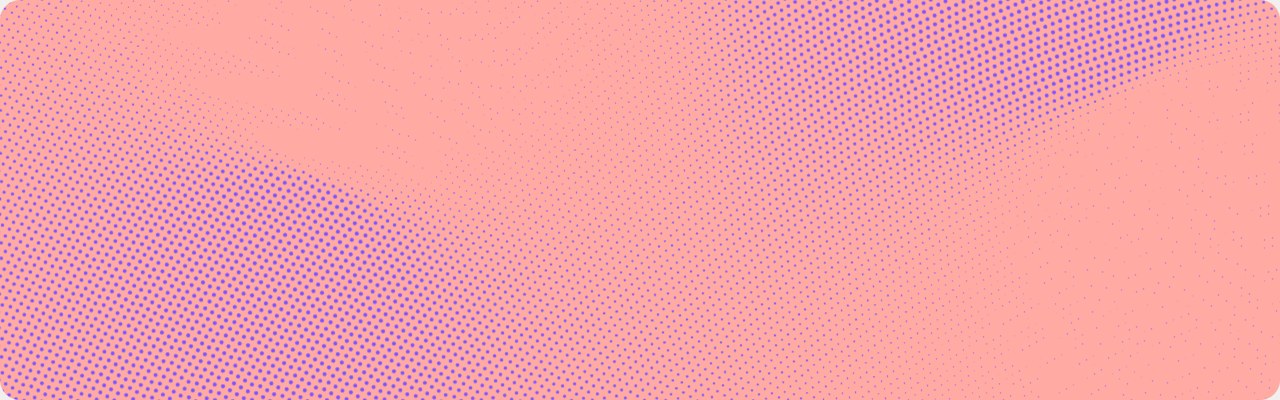
- Favor light grounds. Deep Blue is the only dark ground, and it appears only inside a contained frame or banner.
- Campaign colors (Magenta, Bright Red, Gold) can appear as halftone dots in these pairings. That's their only evergreen use.
- In a row of cards, color about half the tiles at most and keep the rest neutral. Give each colored tile a different pairing.
UI on halftone
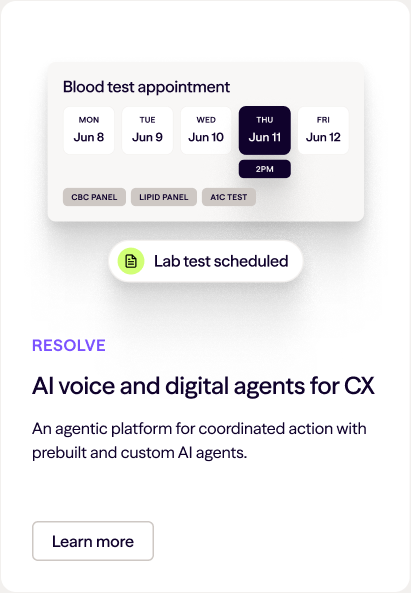
The halftone's main job is to stage product UI. Put a halftone media tile (16px radius) at the top of a white card. Place the eyebrow, title, body, and button below the tile, never on it.
Floating UI on the tile forms a centered stack:
- The context UI panel goes on top.
- The status pill sits about 12px below it.
- Center the stack horizontally and vertically in the tile.
Status pills are white, with an 8px radius and a lime #D1FF76 icon chip. Their labels state an outcome, like "Lab test scheduled." Both the panel and the pill get the brand-ui drop shadow.
Candid customer imagery
The halftone can carry real customer photography and video, so people appear in hero and campaign moments without a stock-photo look.
- Use candid footage of real people at work. Never use posed stock or AI-generated people.
- The photo's luminance drives the dots, so only the halftone is shown. Use primary pairings on Light Tan.
- Prefer video. The dots start coarse and resolve into detail as the footage plays.
- Let the edges dissolve into the Light Tan page, and keep copy off the dots.
- Photos inside product UI mockups, like avatars and video tiles, stay untreated.
Halftone documentation last updated Tuesday, October 20, 2026