Glyphs
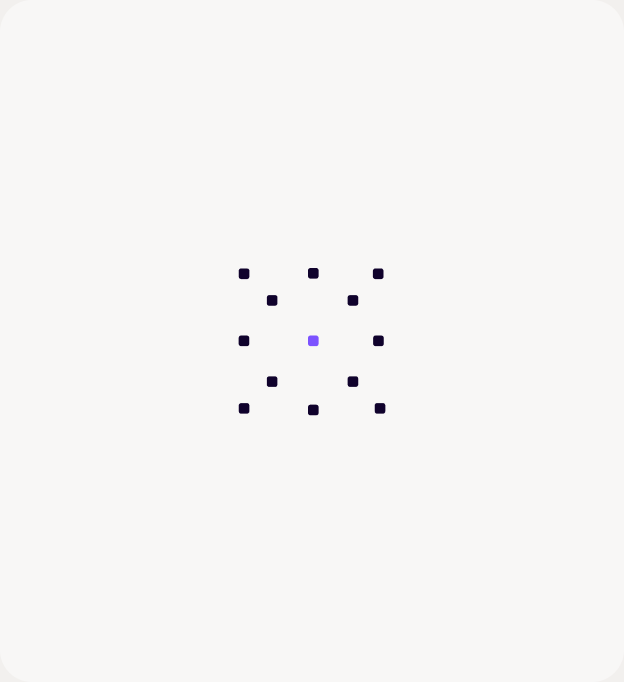
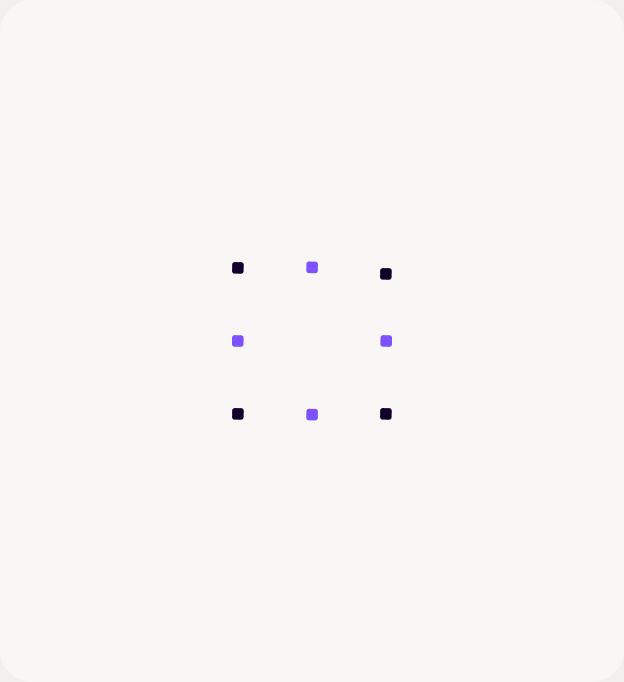
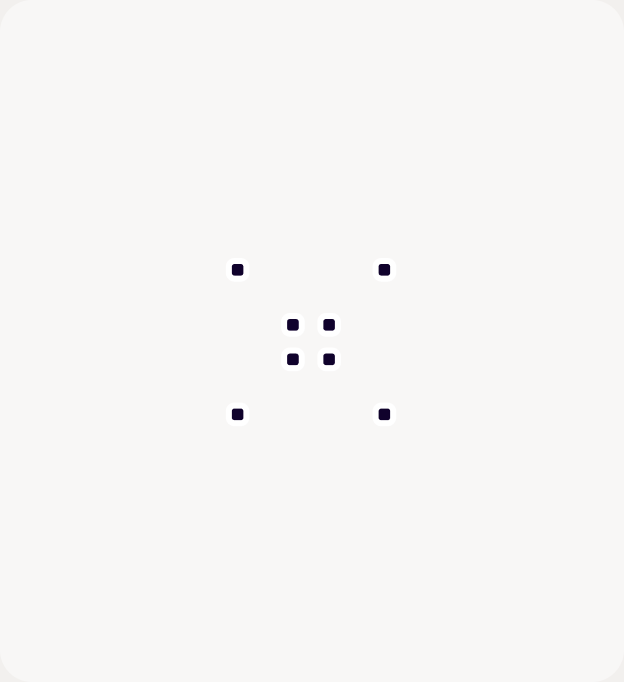
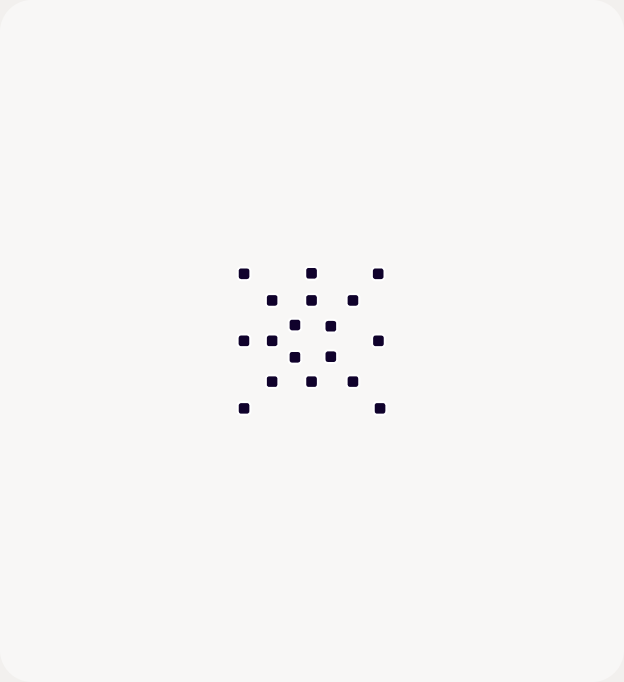
Small, square-format, node-only abstract marks built from schematic line art nodes, without the lines.
When to use
Use Glyphs for icon-scale and small-space moments:
- Feature and benefit tiles.
- Stat or step markers.
- Deck section dividers.
- Social avatars and end cards.
- Progression series, moving from scattered to structured (for example, Reactive → Assistive → Connected → Agentic).
Anatomy
| Element | Spec |
|---|---|
| Canvas | Square format on Light Tan #F8F7F6 with a 20px radius, or any light container |
| Nodes | Rounded squares about 1.7% of the canvas width, with a corner radius of about 23%. Use Deep Blue #10022C, with Purple #7C52FF accent nodes allowed (one center node, or a few marking a sub-pattern). |
| Arrangement | 9–15 nodes in a small, centered, symmetric cluster about 25% of the canvas width, such as a cross, diamond, ring, grid, or X, built on a regular grid |
Glyphs never get lines, labels, or more than two colors. Nodes have no rings, since there are no lines to separate.
Motion
Glyphs are the only Resolve graphics with spring and overshoot.
- Entrance: the glyph rotates in from −90° or −135° while scaling 0 → 1.2 → 1, over 1.6–2.25s.
- Nodes: they arrive in waves 0.625s apart, overshoot their rest point by about 50%, then settle.
- Ambient loops: pick one per glyph: a pulse (scale 1 ↔ 1.15), an expand and contract, or a half-turn. Prefer loops that return to rest.
- Reduced motion: always honor
prefers-reduced-motionby showing the static glyph.
Glyphs documentation last updated Tuesday, October 20, 2026